AI TOOL / #07466
Reverse image search by Copyseeker
Copyseeker image search offers advanced image-search capabilities with just a simple right-click operation.
Introduction
Copyseeker Image Search provides advanced image search capabilities through a simple right-click.
What is the Copyseeker Image Search AI Chrome extension/plug-in?
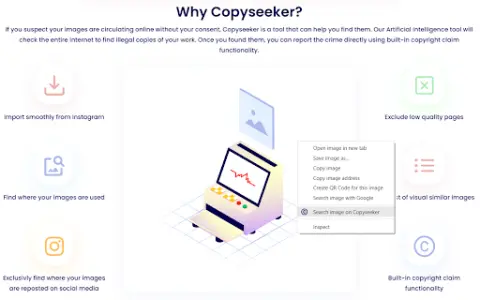
Copyseeker Image Search is a tool designed to enhance the browsing experience by offering advanced image-search capabilities. Users can right-click on any image and select “Search for this image in Copyseeker” to have the image analyzed and obtain detailed information about it.
How to use the Copyseeker Image Search AI Chrome extension/plug-in?
When browsing web pages, right-click on any image and select the option “Search for this image on Copyseeker”. Afterwards, Copyseeker will analyze the image and provide detailed information regarding it.
The core functionality of the Copyseeker Image Search AI Chrome extension/plug-in
Search for images with just one right-click.
Advanced Image Analysis
Fast and efficient results
Privacy-conscious image search
Related
New Athel AI
AI-assisted patient reception and preliminary data collection during consultations in medical institutions
NewEmbage
Website customer service chat and voice intelligence
New AgentMash
Team-based programming: an intelligent agent collaboration platform for desktop use
The new EveryGen AI
An AI creative studio that integrates video, images, and audio.
New Dedica
Check whether a website can be used by AI proxies.
What They Said Recently
Using synthetic testers for user research