AI TOOL / #07326
ScreenScan – Instant Screenshot Search
Google Lens: Instantly capture, search, and explore images, videos, and text online.
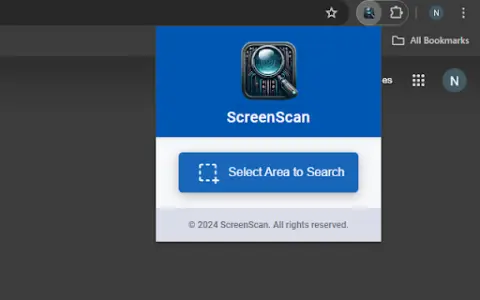
Introduction
Google Lens: Instantly capture, search, and explore images, videos, and text on the web.
What is the Google Lens AI Chrome extension/plugin?
Google Lens is a powerful tool that allows users to instantly capture, search, and explore any image, video, or text online with a simple tap. It uses advanced image recognition technology to provide relevant information and insights based on what it sees. Whether you want to identify a plant, translate text in real time, find similar products, or learn about a landmark, Google Lens can help you discover more about the world around you.
How do I use the Google Lens AI Chrome extension/plugin?
Simply tap an image, video, or text on a web page, and Google Lens will analyze the content and provide relevant information, search results, and related actions.
Core Features of the Google Lens AI Chrome Extension/Plugin
Image Recognition
Text Translation
Product Identification
Object Recognition
Visual Search
Related
outages.live
Real-time service failure stream provided to AI agents
135 Vision
The complete set of visual materials Agent under the 135 Editor framework
Kleos
AI marketing outsourcing teams for small businesses
Mathos AI
An AI math tutor that helps solve problems by taking pictures
mini-browser-games
An open-source collection featuring 106 active, single-file HTML5 games—all of which are packaged within a single HTML file. No development or backend setup is required; these games can be played online immediately. Quality is the top priority, and this collection includes notable titles such as “Mountain and Sea Demon Subjugation” and “Star Furnace Workshop”; some of them also support online multiplayer mode.
bonds
Group chat apps that integrate with AI assistants