AI TOOL / #07146
ImageToText
An extension that copies text from images on the internet via the OCR.Space API.
Introduction
An extension to copy text from images on the internet using OCR.Space API.
What is the OCR.Space API AI Chrome extension/plugin?
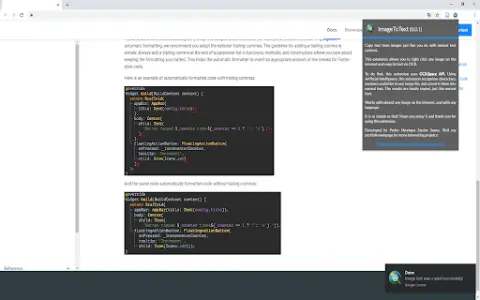
This extension lets you copy text from any image on the internet just like regular text content. Simple—that's the goal of this app. Just right-click the image, select “Copy Image Text,” and you're done… You can use and paste the text you see in that image. It's very useful for extracting text from informative, entertaining, and code-block images. Now you don't have to rewrite everything—with this extension, the problem is solved. To process images, this extension uses the OCR.Space API.
How do I use the OCR.Space API AI Chrome extension/plugin?
Right-click an image, select "Copy Image Text," and then paste the extracted text.
Core features of the OCR.Space API AI Chrome extension/plugin
Copy text from images on the internet.
Related
New Tokeny
A desktop AI assistant that delivers a finished product from a single spoken sentence.
New Axonnic
Myoelectric cuff data for training robots
The new Intrascope
Enterprise Multi-Model AI Workbench and Control Layer
New Yardlet
Mac app to manage multiple programming agents side by side
The new SimReady Central
NVIDIA’s simulation-grade 3D asset search platform
New Spacesheep
Transform AI-generated content into collaborative interactive documents.