AI TOOL / #06413
Audiotext AI
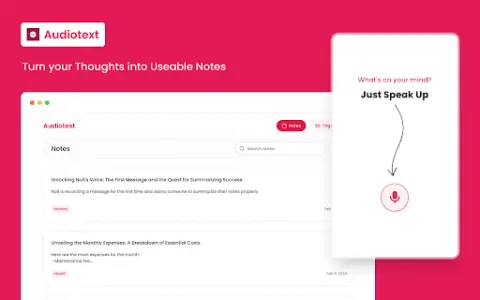
Audiotext AI converts audio to text, removes filler words, and offers multiple transcription styles.
Introduction
Audiotext AI converts audio to text, removing filler words and offering various transcription styles.
What is the Audiotext AI AI Chrome extension/plugin?
Audiotext AI can convert audio into accurate text by removing unnecessary words and generating concise summaries. It allows users to transcribe speech into text, offering multiple styles such as short summaries, bullet points, passive voice, and active voice.
How do I use the Audiotext AI Chrome extension/plugin?
1. Speak naturally, including filler words. 2. Choose a transcription style (short summary, long summary, bullet points, etc.). 3. Click "Transcribe."
Core features of the Audiotext AI Chrome extension/plugin
Audio to text
Remove unnecessary words.
Concise Summary
Rewriting with AI for style adjustment
Shareable note link
Related
BankStatementConverterAI
Use AI and OCR technologies to convert bank statement PDF files and images into Excel/CSV format.
AI TranslateDocs
AI Document Translation offers AI-powered document translation services in over 130 languages while preserving the original layout.
Nanonets
An AI-driven platform for intelligent document processing and workflow automation.
Solvr
Solvr is a free Chrome extension that provides instant AI-powered answers right inside the browser.
Free Accounting Software by SlickPie
Free online accounting software designed for small businesses and freelancers.
RecipioAI
A recipe organization tool with AI that supports extraction and tagging while providing shared shopping lists.