AI TOOL / #06325
ChatGPT Voice Assistant
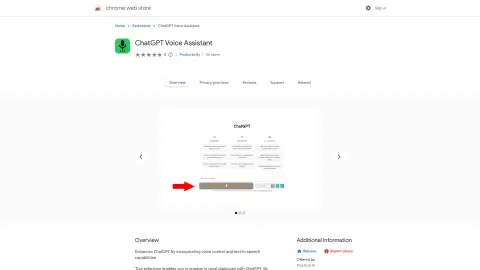
The voice-activated ChatGPT interface supports text-to-speech conversion and multiple languages.
Introduction
Voice-activated ChatGPT interface with text-to-speech and multi-language support.
What is the ChatGPT Voice AI Chrome extension/plug-in?
This tool allows you to capture voice input and send it to ChatGPT. The responses generated by the system can be listened to aloud (this option can be disabled if desired). It supports multiple languages, and you can start capturing voice data by clicking the microphone button or holding down the spacebar.
How to use the ChatGPT Voice AI Chrome extension/plug-in?
Click the microphone button or hold down the spacebar to record your voice input. This tool will send your recorded voice to ChatGPT, which will then read out the response. You can also choose to disable the text-to-speech function if you prefer to read the responses directly.
The core functions of the ChatGPT Voice AI Chrome extension/plug-in
Voice input for ChatGPT
Text-to-speech output generated by ChatGPT
Multilingual support
Capture voice input using the microphone button or the spacebar.
Related
Slite
Slite is an artificial intelligence-powered knowledge base that enables teams to create, share, and manage information.
YouLearn – AI companion for learning
An AI tutor designed for YouTube videos, offering personalized learning experiences and summaries.
BigRead.ai
An AI-based reading and learning platform that provides students with personalized guidance and real-time analysis.
Porosheets
An AI tool that generates worksheets, lesson plans, and rubrics for educators.
LangMob
AI chatbot language learning application that provides personalized lessons and interactive conversations.
Sentelo
Sentelo is a Chrome extension that helps students quickly summarize, rewrite, and explain texts.