AI TOOL / #05809
DigiFace
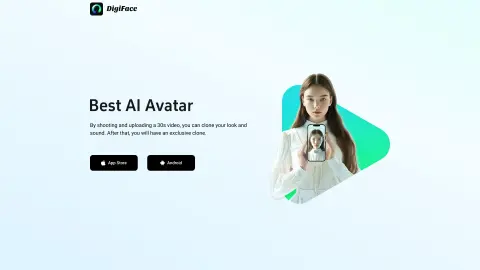
DigiFace uses 30-second videos and text to generate AI-generated avatar videos.
Introduction
DigiFace creates AI avatar videos from a 30s video and text.
What is DigiFace?
DigiFace allows you to seamlessly transform your appearance and voice into an engaging AI avatar video by simply recording and uploading a 30-second video. By entering text, you can instantly generate an AI avatar video with synchronized speech, saving time and improving productivity. With just one 30-second video recording, you can create a clone of yourself in terms of both appearance and voice – and thus obtain a unique digital version of yourself.
How to use DigiFace?
Record and upload a 30-second video to clone your appearance and voice. Then, enter the text you would like to have appear on your avatar, and DigiFace will generate an AI avatar video with that voice.
The core functions of DigiFace
Generation of AI avatars and videos
sound cloning
Physical appearance cloning
Text-to-speech avatar videos
Related
Arrea is the AR App for your iPhone
Arrea is an AR application and platform designed for creating, exploring, and sharing augmented reality experiences.
Medd AI
Medd AI utilizes AI-driven insights to accelerate biomedical research.
Fleso
Code-free artificial intelligence is used for workflow automation, particularly in the healthcare sector, and complies with HIPAA standards.
Lecturio
An integrated health education platform designed for medical and nursing students.
Abstractive Health Chrome Extension
An AI assistant that helps doctors summarize medical records, utilizing LLM and GenAI technologies.
Respiratory Review
A platform for personalized breathing content recommendations and bookmark management.