AI TOOL / #02447
Julius AI – Analyze Google Sheets with ChatGPT
An artificial intelligence data analysis tool designed for use with Google Sheets.
Introduction
AI-powered data analysis tool for Google Sheets.
What is the Julius AI Chrome extension/plug-in?
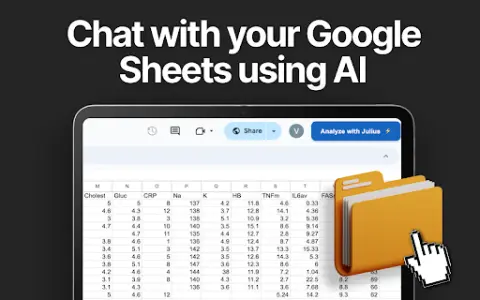
Julius is a data analysis tool powered by artificial intelligence. It utilizes ChatGPT and Anthropic to assist users in visualizing and analyzing their Google Sheets data. This Chrome extension enables users to connect their Google Sheets to Julius AI with just one click, enabling a range of data analysis tasks, the creation of dynamic visuals, easy extraction of valuable insights, and the generation of AI-generated reports.
How to use the Julius AI Chrome extension/plug-in?
1. Click “Add to Chrome”.
2. Open the Google Sheet you wish to analyze.
3. Set the sharing options of that Google Sheet to public.
4. In the top-right corner of the Google Sheet, click “Analyze cells A1:B5 using Julius”.
The core functions of the Julius AI Chrome extension/plug-in
Multifunctional data analysis based on GPT-4
Dynamic graphic generator for basic and advanced charts
Intuitive controls for data grouping, filtering, and transformation
AI-powered report writing
Related
MagickPen
An AI-powered writing assistant that offers text generation, grammar checking, and translation capabilities.
Friz
An AI-powered social media management tool for D2C brands to create and schedule content.
VSL.AI
An AI tool for creating high-converting video sales letters and marketing copy.
AskingTips
An AI tool platform used for content creation, marketing, and other purposes.
Firebay Studios
An artificial intelligence-based production studio that creates audio and video advertisements, equipped with voice cloning and automatic editing capabilities.
LoLify
An artificial intelligence-driven humor engine that quickly generates popular memes and humorous content.